If you want to access the Admin menu, the password on the sticker is incorrect.
Introduction
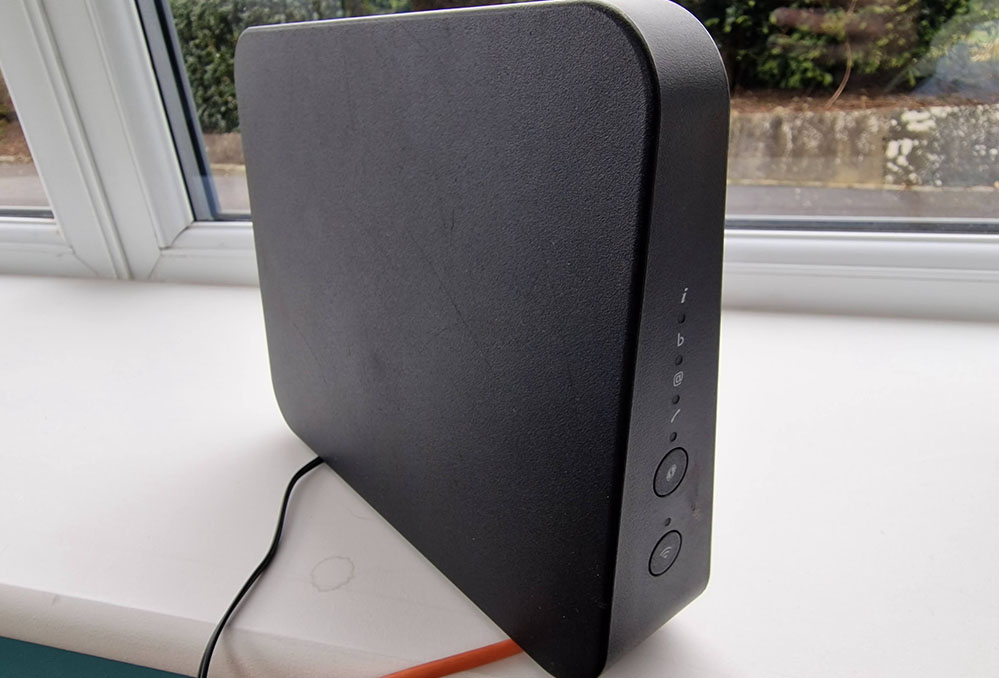
The Technicolor DGA4134NLK Broadband Router is a cheap router supplied by a couple of broadband providers here in the UK. If you would want to utilise it's WiFi capabilities but you need to switch-off its DHCP server and, maybe, set a static IP Address, you need to be able to set a few options in its management interface.
This is an important step otherwise the router will conflict with your existing set-up and DHCP server you have already running.
How to Access the Admin Interface
On the back of the Technicolor DGA4143NLK, the silver sticker gives you the Admin username along with the Admin Access Key. If you enter the Router's IP Address into your browser and try to login with these credentials, you will be rejected.
This is because this is incorrect. What you need to do is to use the device's serial number (SN) as the case-sensitive password.
Credit for this Information
This information was credit to the user Slinkoff on the ThinkBroadband forum. Look for his 02-Feb-22 post.
This is Amazing Stuff
Thanks and be careful – hopefully you can do your bit to save money and look after our planet too.